
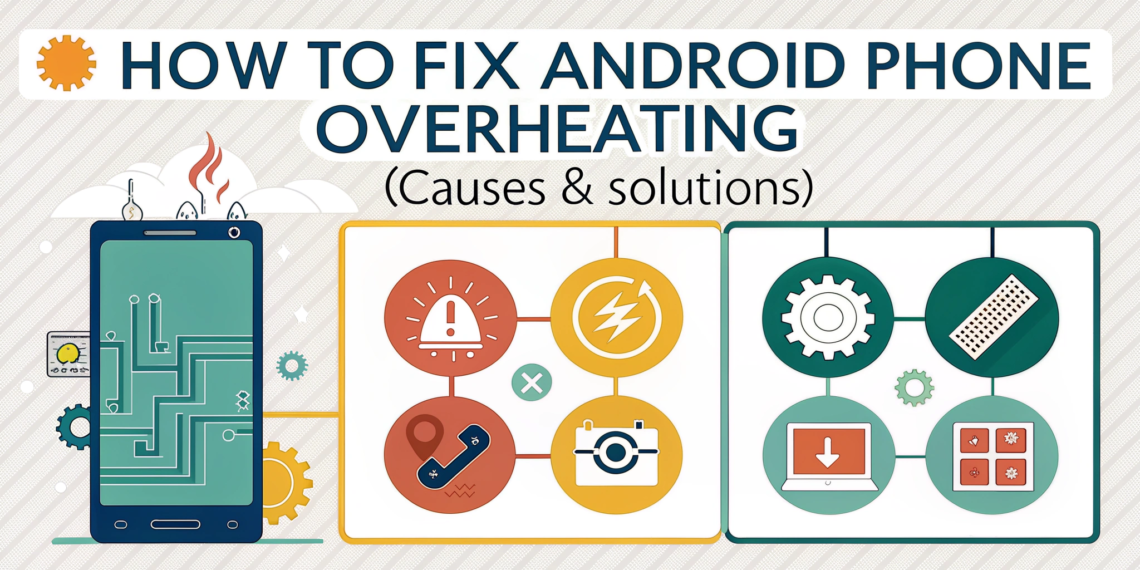

Introduction
If your Android phone feels unusually hot, drains battery quickly, or slows down during use, overheating is likely the problem. From personal experience, phone overheating is one of the most common complaints I see—especially during charging, gaming, video calls, or hot weather. Many users panic and assume their phone is damaged, but in most cases, overheating is fixable and preventable.
Android phones generate heat naturally, but excessive heat is a warning sign. If ignored, it can reduce battery lifespan, affect performance, and even damage internal components. The good news is that you don’t need advanced technical knowledge to fix it. This guide explains how to fix Android phone overheating using safe, practical steps that actually work—without risking your data or voiding your warranty.
Why Do Android Phones Overheat?
Understanding the cause helps you apply the correct solution.
Heavy App Usage
Gaming, video streaming, and multitasking push the processor hard, generating heat.
Charging While Using the Phone
Using your phone during charging is a major overheating trigger.
Poor Network Signal
Weak signals force the phone to work harder to stay connected.
Background Apps Running Continuously
Some apps consume CPU and battery even when not in use.
High Ambient Temperature
Using phones in direct sunlight or hot environments raises internal temperature fast.
Is Phone Overheating Dangerous?
Yes—persistent overheating can cause:
Battery degradation
Sudden shutdowns
Performance throttling
Reduced phone lifespan
From real-world cases, batteries exposed to frequent overheating lose capacity much faster than normal.
How to Fix Android Phone Overheating (Step-by-Step)
Method 1: Remove the Phone Case Temporarily
Thick cases trap heat.
Tip:
Remove the case while charging or gaming to improve airflow.
Method 2: Stop Using Phone While Charging
Charging already produces heat.
Best practice:
Charge your phone without using it and unplug at 80–90%.
Method 3: Close Background Apps
Steps:
Open Recent Apps
Close unused apps
Restart phone once daily
Internal link: Best Productivity Apps for Students (app management benefits)
Method 4: Check Battery Usage & Uninstall Problem Apps
Steps:
Settings → Battery → Usage
Identify apps draining battery abnormally
Uninstall or restrict them
In many cases, a single poorly optimized app is the main culprit.
Method 5: Update Android System & Apps
Updates fix bugs and overheating issues.
Steps:
Settings → Software Update
Update apps via Play Store
External reference: Android Official Blog – System Updates
Method 6: Avoid Direct Sunlight & Hot Areas
Never leave your phone:
In a parked car
Under sunlight
Near heat sources
Method 7: Reduce Screen Brightness & Refresh Rate
High brightness = more heat.
Tip:
Enable Adaptive Brightness and reduce refresh rate if supported.
Method 8: Turn Off Unused Features
Disable:
Bluetooth
GPS
Mobile hotspot
When not in use.
Common Mistakes That Make Overheating Worse
Putting phone in freezer
Using fake fast chargers
Installing “cooling” apps
Ignoring repeated heating warnings
Internal link: How to Identify Online Scams
How Overheating Affects Battery Health
Lithium batteries degrade faster at high temperatures.
From experience, phones that overheat regularly lose battery capacity 30–40% faster.
How to Prevent Android Phone Overheating Long-Term
Use original charger
Keep storage below 80% full
Restart phone weekly
Avoid heavy gaming while charging
Install only trusted apps
Internal link: Online Privacy Tips for Beginners
FAQs
Q1: Is phone overheating normal?
Mild warmth is normal, but frequent or extreme heat is not.
Q2: Can overheating damage my Android phone?
Yes, it can reduce battery life and damage internal components.
Q3: Why does my phone overheat while charging?
Fast charging, poor chargers, or phone usage during charging cause this.
Q4: Do phone cooling apps work?
No. Most cooling apps don’t physically reduce temperature and may worsen performance.
Q5: When should I replace my phone battery?
If overheating persists even after fixes and battery drains rapidly, replacement may be necessary.